
For bookbinders & fanbinders
Print signatures for bookbinding, without the guesswork.
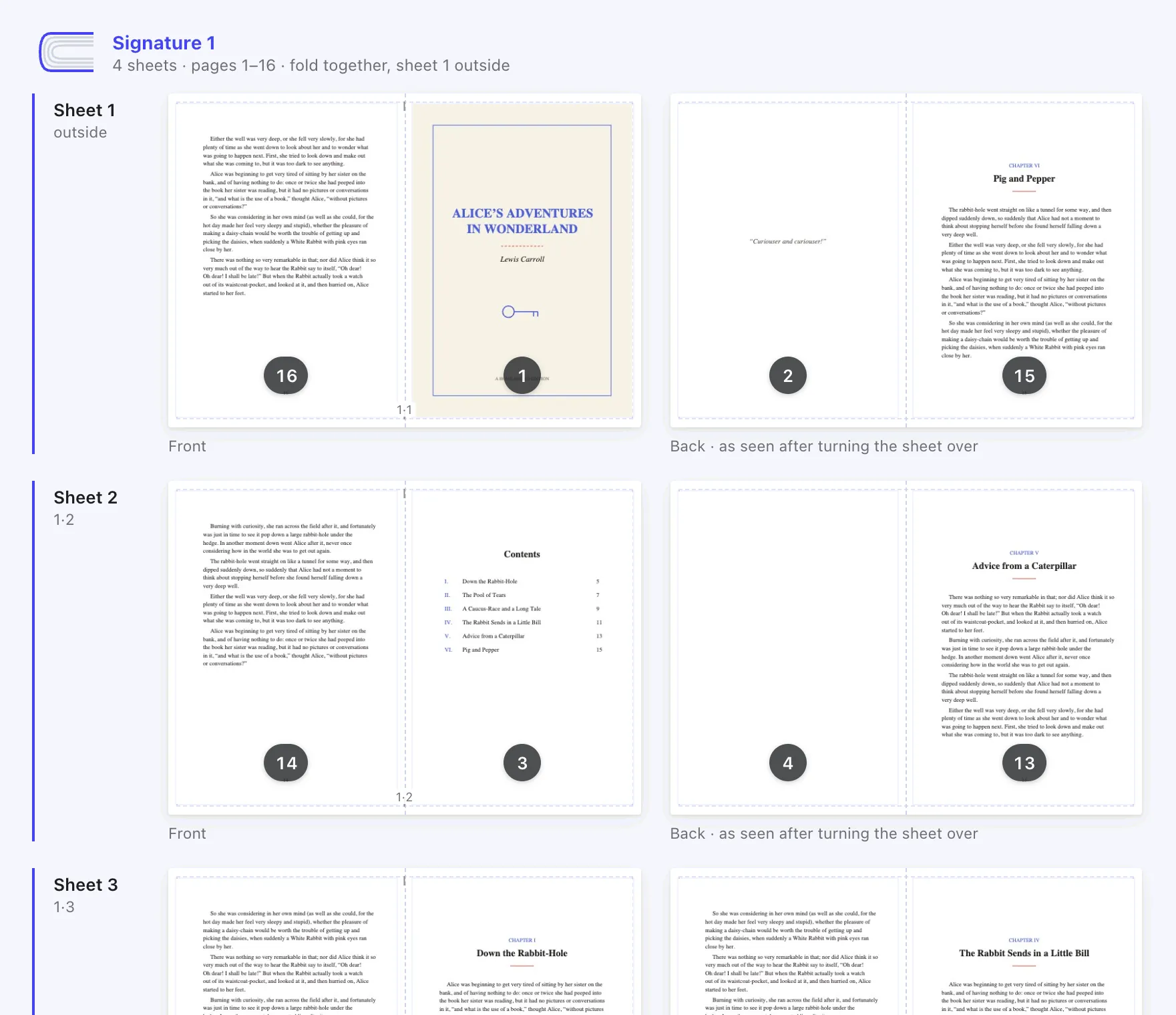
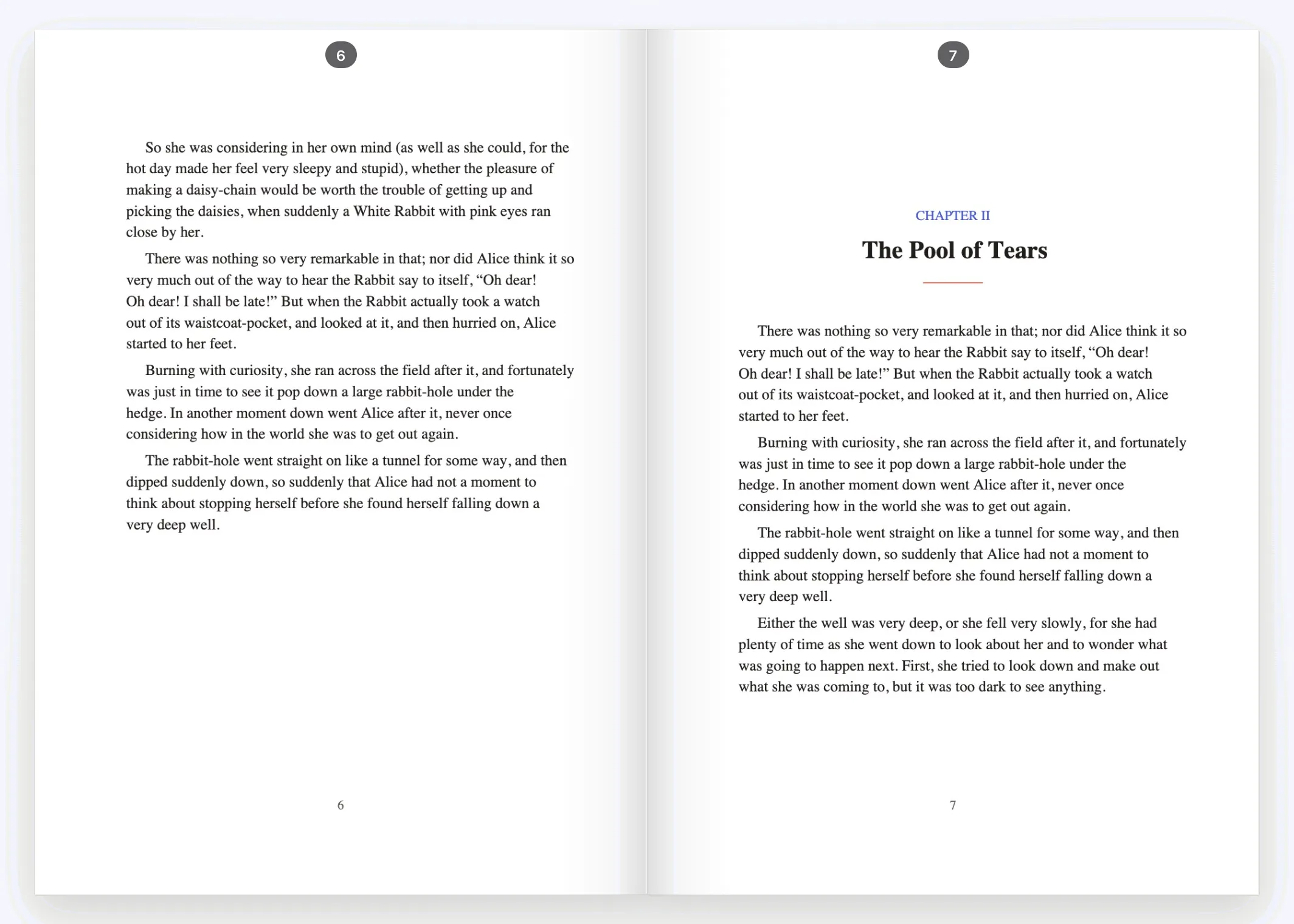
Foldio imposes your PDF into folded signatures for a home duplex printer. Choose how many sheets go in each signature, check every sheet, flip through the finished text block, then print. Free, in your browser.
- 01
Signatures your way
Any number of sheets per signature, from 1 to 16. The last signature is padded with blanks, and you decide where they go.
- 02
A code on every fold
A tiny label on each sheet’s fold (2·3 = signature 2, sheet 3) keeps the stack in order while you fold and collate.
- 03
Spine offset and margins
Nudge pages away from the fold for tight bindings, and keep content inside what your printer can reach.
- 04
Covers with the right spine
Print a wraparound cover on A3 or card, with the spine width worked out from your page count and paper weight.
The workflow
From manuscript to text block.
- 01
Typeset an A5 PDF
Lay out your book with A5 pages (148 × 210 mm) in Word, Google Docs, LibreOffice, Affinity Publisher, InDesign or anything that exports PDF.
- 02
Impose it in Foldio
Drop in the PDF, choose Folded signatures and how many sheets go in each. Run the one-time duplex test if you haven’t yet.
- 03
Print double-sided
Export the print PDF. Print it at 100% (actual size), two-sided, flipping on the short edge.
- 04
Fold, stack and bind
Fold each signature with sheet 1 on the outside, stack the signatures in order, then sew or glue the spine.
14 days free
Try everything in Pro, free for 14 days.
No card needed and nothing to cancel. When the trial ends you go back to Free and keep every book you made.
Questions
Good to know.
How many sheets should go in each signature?
With ordinary 80 gsm printer paper, 3 to 6 sheets (12 to 24 pages) per signature folds cleanly. Thicker paper folds better in smaller signatures. In Foldio you can change the number at any time and see the result straight away.
Does Foldio compensate for creep?
Not yet. Foldio has a spine offset that moves pages away from the fold, which helps with tight bindings. With signatures of 3 to 6 sheets of ordinary paper, creep is usually small.
Can I use it for fanbinding?
Yes. Typeset your fic as an A5 PDF in your word processor of choice, then impose and print it with Foldio. Everything stays on your computer, which suits work you’d rather not upload anywhere.
What paper size do I need?
Any of A4, A3, US Letter, US Legal or a custom size. With one fold per sheet, each page is half the paper (A5 on A4, half letter on Letter); with two or three folds (quarto, octavo) a quarter or an eighth.
Can I fold a sheet more than once?
Yes. Choose 2 folds (quarto, 8 pages per sheet) or 3 folds (octavo, 16 pages per sheet). Each folded sheet becomes one signature; Foldio tells you which way to fold.
Is it free?
Yes. The Free plan covers folded books, stapled booklets, one-page zines and loose-sheet books, with no account, no watermark and no page limit. Pro adds more layouts and a cover designer, and you can try it free for 14 days with no card.
Foldio is also for