
How to print a book at home
You can print your own book on an ordinary home printer. The only tricky part is the page order, and Foldio handles that for you.
The short answer
To print a book at home, put your PDF into book format so the pages land in the right order when folded. Print it double-sided at actual size (100%), fold the sheets, then staple, sew or glue them. Foldio sets up the book format for free in your browser.
Start your book, freeWhat you need
- Your book as a PDF
- A home printer, one-sided or double-sided
- A4 or US Letter paper
- A long-reach stapler, or needle and thread for a thicker book
Step by step
Turn your book into a PDF
Foldio works with PDFs and images. If your book is in Word, Google Docs, Canva or another app, save or download it as a PDF first.
Your file goes in as a PDF. Foldio puts the pages in order, and you print and fold. Add it to Foldio
Open Foldio in Chrome or Edge on a computer, select New book and add your PDF. You don’t need an account, and the file stays on your computer.
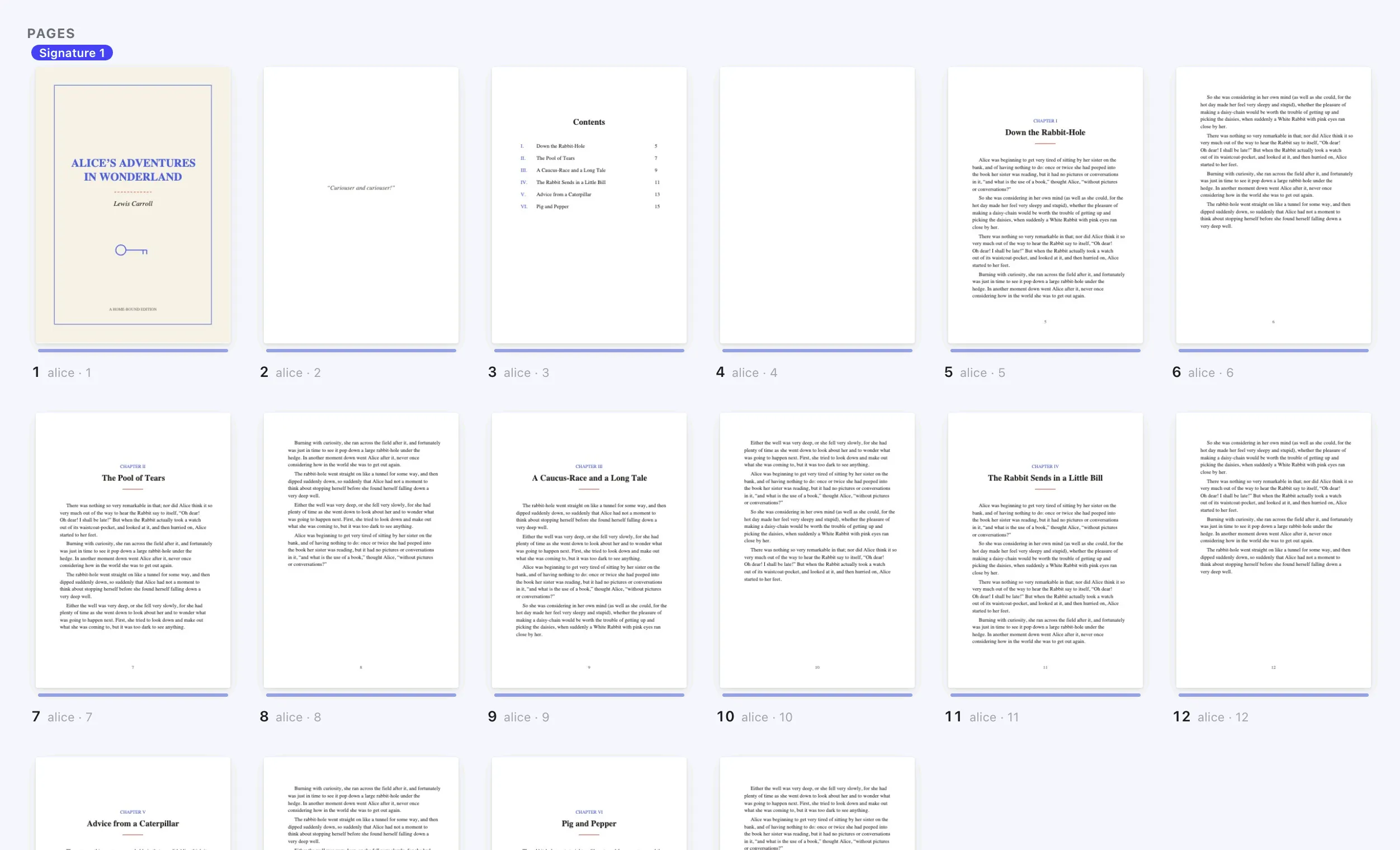
Choose how to bind it
Under “What are you making?”, pick Booklet or magazine for a shorter stapled book. Pick Handmade book for a longer book in folded groups that you sew or glue, or Glued book or notes for pages cut in half and glued.
Sixteen pages on one sheet. Three folds, and page 1 lands on the cover.The sheets nest inside each other, staple through the middle and fold once.Eight pages on one side of one sheet. Slit, fold, done.Small pages: cut the sheet into piles, stack them, fold once and staple. Check every sheet
See the front and back of each sheet, then turn the pages of the finished book before you use any paper.
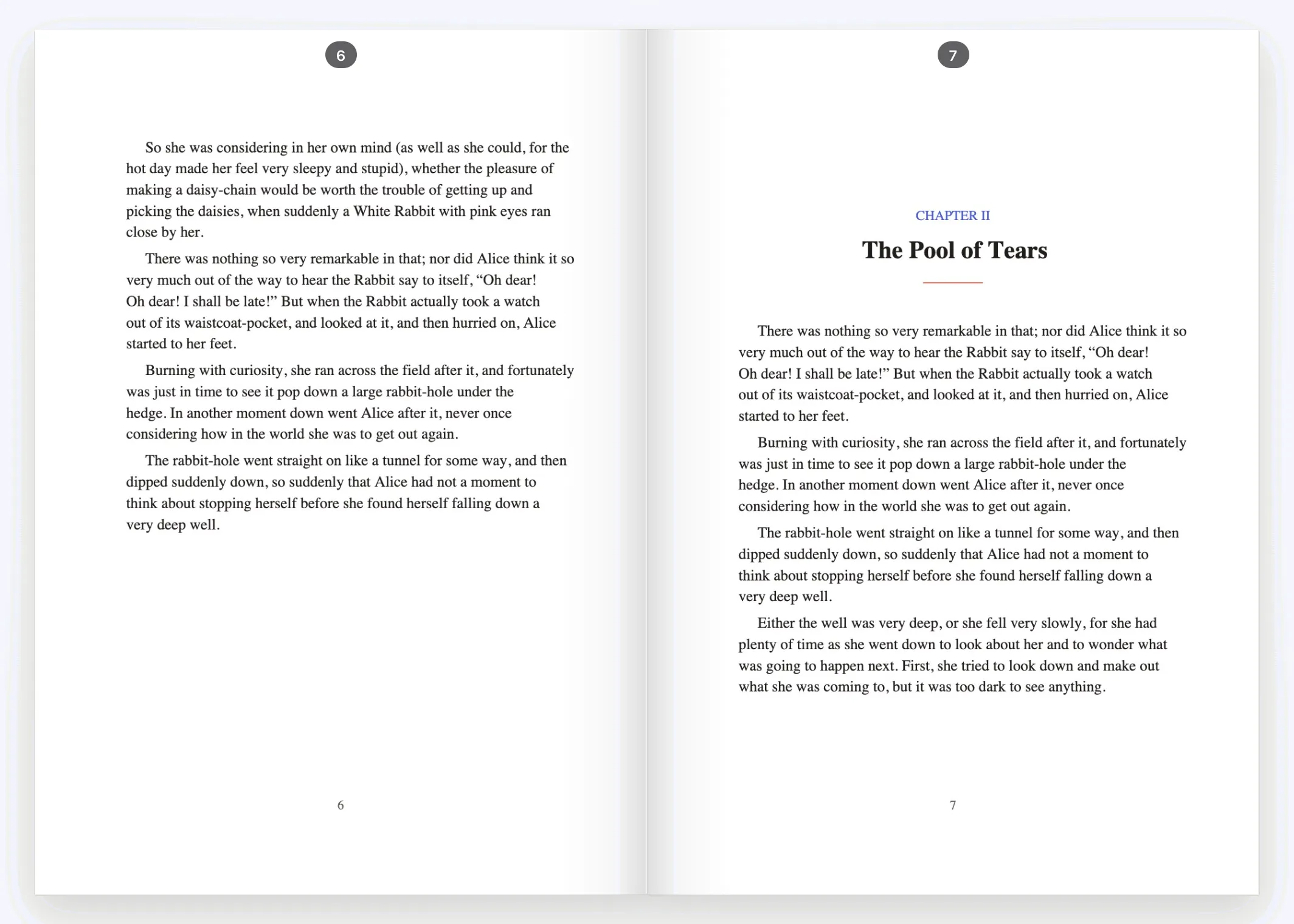
Print one sheet first
Foldio prints a single sheet so you can check the backs. Turn two-sided on, choose flip on short edge and set the scale to actual size (100%). If your printer prints one side at a time, choose “My printer only prints one side at a time”.
The same three settings work on most printers, though the names can differ. Fold and bind
Follow Foldio’s folding steps. Crease each fold firmly, then staple, sew or glue along the spine.
Keep the sheets in order, crease the fold firmly, then staple along it.
If something goes wrong
- The pages are in the wrong order
- The printer’s “2 pages per sheet” setting keeps pages in reading order, so they’re jumbled once folded. Print the file from Foldio, which is already in book order.
- The back pages are upside down
- Use flip on short edge. If they’re still wrong, tell Foldio after the one-sheet check, or run the Printer test once, and it corrects the file for your printer.
- The pages look smaller than expected
- Set the scale to actual size (100%), not “Fit to page”.
- The book is too thick to fold
- Split it into several folded groups with Handmade book. These are called signatures, and they’re how most hand-bound books are made.
Questions
People also ask.
Can I print my own book at home?
Yes. Any home printer can do it, including one that only prints on one side. You need a PDF, paper and a simple way to bind the pages.
How do I print a PDF in book format?
A PDF in book format has its pages rearranged so they read in order after folding. Add your PDF to Foldio, choose a book type, and it creates that print-ready file for you.
How many sheets of paper does a book use?
Each sheet folded once holds 4 pages, so a 200-page book uses 50 sheets.
What size is a book printed on A4 paper?
Folded once, each page is A5, which is about half of A4. On US Letter paper, each page is half letter.
Can I print a novel, textbook or ebook at home?
Yes, if you have it as a PDF. Print only books you wrote, have permission to copy, or that are free to reprint.
How do I print a book cover at home?
Print the cover separately on card of 200 to 300 g/m², using the printer’s manual tray. Foldio’s cover designer, part of Pro, works out the spine and sizes for you.
Do I need book printing software?
You don’t need to install anything. Foldio runs in your browser and the Free plan has no page limit and adds no watermark.
Ready to print yours?
Foldio is free to start, with no sign-up, and your files stay on your computer.