
How to print a PDF as a booklet
A booklet looks simple, but its pages have to go on the paper in a very particular order. Here’s how to get it right the first time.
The short answer
To print a PDF as a booklet, rearrange the pages into booklet order, print double-sided with flip on short edge at 100%, then fold the stack in half and staple along the fold. Foldio does the rearranging for free, and works with any printer.
Make your booklet, freeWhat you need
- Your PDF, or several files to combine
- A printer, one-sided or double-sided
- A4 or US Letter paper
- A long-reach stapler
Step by step
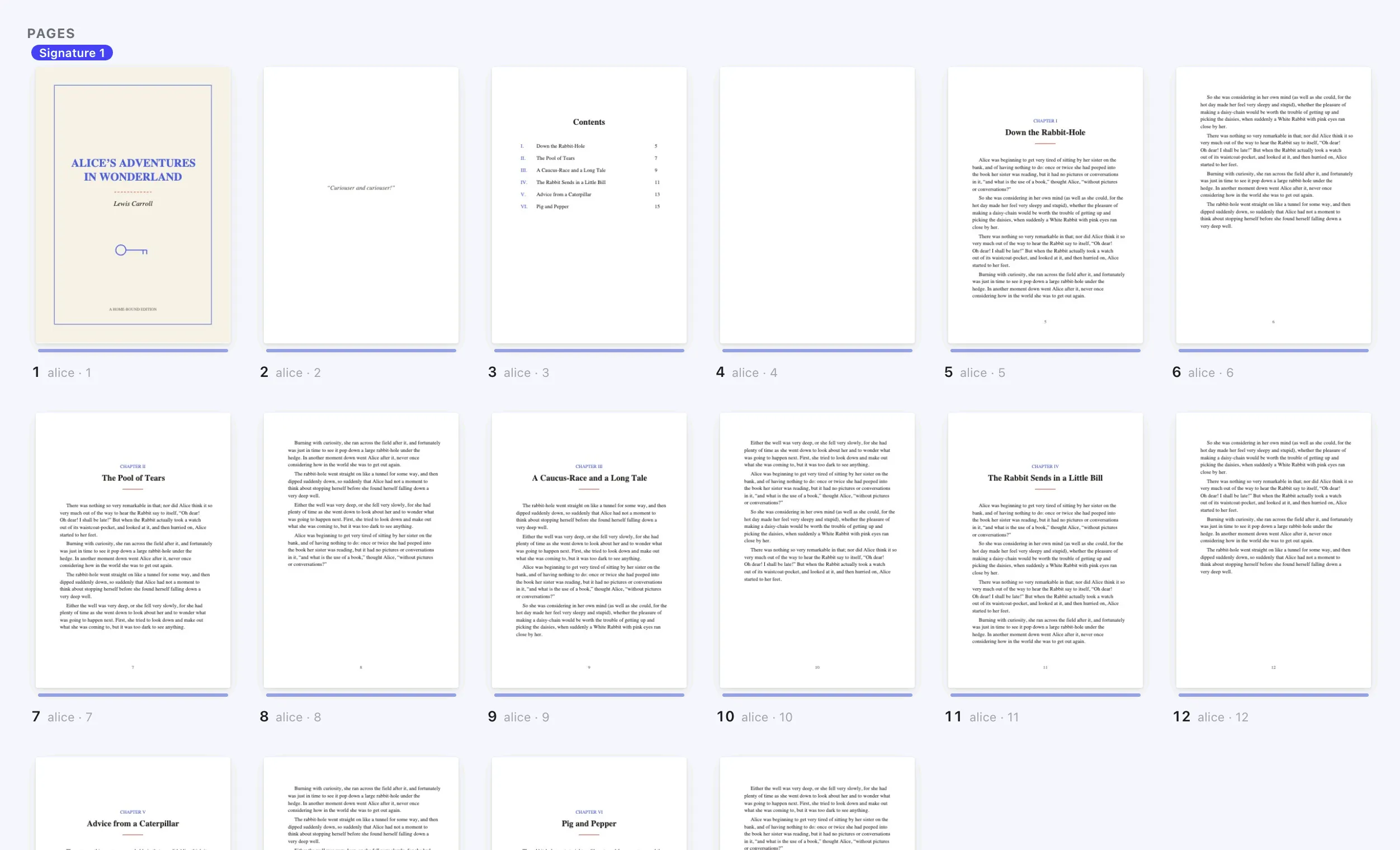
Add your PDF
Open Foldio, select New book and add your file. You can combine several PDFs and images, reorder pages and insert blanks.
Choose Booklet or magazine
This is the saddle stitch layout: sheets nested inside each other and stapled through the fold, like a magazine.
Sixteen pages on one sheet. Three folds, and page 1 lands on the cover.The sheets nest inside each other, staple through the middle and fold once.Eight pages on one side of one sheet. Slit, fold, done.Small pages: cut the sheet into piles, stack them, fold once and staple. Let Foldio set the page order
Pages can’t print in plain 1, 2, 3 order, because page 1 shares a sheet with the last page. Foldio works out the order for you.
An 8-page booklet on two sheets. The numbers look jumbled until the sheets are folded together. Check the page count
A booklet’s page count must divide by four, because each sheet makes four pages. Foldio adds blank pages if yours doesn’t.
Every sheet folded once makes 4 pages, so a 10-page PDF gets 2 blank pages. Print double-sided
Turn on two-sided printing, choose flip on short edge and set the scale to 100%. No double-sided printer? Foldio prints the fronts, then the backs.
The same three settings work on most printers, though the names can differ. Fold and staple
Fold the stack in half, crease it firmly and staple along the fold. A long-reach stapler makes this easy.
Keep the sheets in order, crease the fold firmly, then staple along it.
If something goes wrong
- Pages come out jumbled
- Don’t combine Foldio’s file with your printer’s own booklet option. The file is already in booklet order, so print it as it is.
- Text runs into the fold
- Add a spine offset in Foldio, which moves pages away from the fold.
- Backs are upside down
- Choose flip on short edge, then run the Printer test once if they’re still wrong.
- The stapler doesn’t reach
- A normal stapler won’t reach the middle of the fold. Use a long-reach stapler, or sew through the fold with needle and thread.
Questions
People also ask.
How do I make a PDF into a booklet?
Add the PDF to Foldio and choose Booklet or magazine. It puts the pages in booklet order, adds any blanks and gives you one print-ready PDF.
What is a PDF booklet?
It’s a PDF with its pages arranged in pairs, so that the printed sheets fold into a book that reads in order.
Why does a booklet need a multiple of four pages?
One folded sheet has four sides: two on the front and two on the back. A booklet is always 4, 8, 12, 16 pages and so on.
Can I print a PDF as a booklet without Adobe?
Yes. Foldio doesn’t need Adobe Acrobat. It creates a print-ready file you can print from your browser or any PDF viewer.
Is there a free PDF to booklet converter?
Yes. Foldio’s Free plan makes stapled booklets with no account, no watermark and no page limit, and your file is never uploaded.
How do I print an A5 booklet on A4 paper?
Choose A4 as your paper in Foldio. Folded once, each page comes out at A5 size.
Can I print a booklet without a duplex printer?
Yes. Choose “My printer only prints one side at a time”, and Foldio prints in two rounds after a two-sheet test.
What are the different ways to make a booklet?
The main ways are stapling through the fold (saddle stitch), sewing folded groups, or making an 8-page mini booklet from one sheet.
Ready to print yours?
Foldio is free to start, with no sign-up, and your files stay on your computer.